You send ten designs over WhatsApp. Your client replies with a thumbs-up to the third one, a "change the color" without saying which, and a voice note nobody listened to. A week later you have no idea what's approved and what isn't.
Approving content over chat works with one client. With ten, it turns into chaos. That's why there's a simpler way: a link.
The problem with approving over WhatsApp
- Designs get lost among messages, photos and voice notes.
- It's not clear which piece was approved and which wasn't.
- Comments aren't next to the design they refer to.
- If you switch phones or someone else on the team helps out, the history is gone.
- The client reviews in a rush and later says they didn't see something.
None of these problems are about design. They're about organization.
How the approval link works
CRM Blides has an optional social media module to plan and schedule Instagram and Facebook posts by company. One of its features is the public approval link.
Here's how it works:
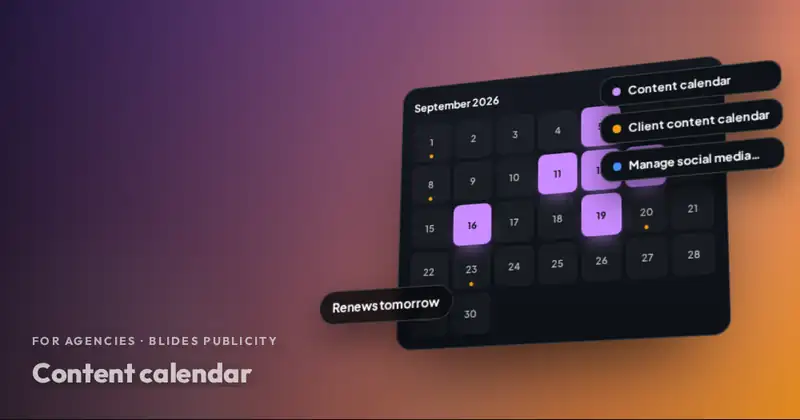
- The posts for the period are loaded into that company's calendar: design, caption, social network and date.
- A public link is generated for that client.
- Your client opens it from their phone or computer, without creating an account or remembering passwords.
- They review each post and approve it or leave a comment.
- You see what's approved and what has comments, all in one place.
Your client never logs into the CRM. They only see what they need to approve. And since we work white label, what they see belongs to your agency, not to us.
CRM Blides has an optional social media module to plan and schedule Instagram and Facebook posts by company.
Why your client will prefer it
For a business owner, approving with a link is easier than scrolling through a long chat. They see the post exactly as it will go live, with its caption, and they decide. No downloading files or hunting for old messages.
It also sends an important message: your agency has a process. A client who approves from an organized link feels they're working with a serious team. If you want to dig deeper into why approving before publishing protects the relationship, read why you should approve everything before publishing.
How it fits into your workflow with Blides
When we produce your clients' content, the workflow looks like this:
| Step | Who does it |
|---|---|
| Monthly brief | You send us the client's information |
| Designs and captions | We produce them |
| Loading into the calendar | Us |
| Sending the link to the client | You, under your name |
| Approval or comments | Your client |
| Adjustments | Us |
| Publishing, when applicable | Us |
You only take care of presenting the link and keeping the relationship. Production and logistics are on us.
Tips to get approvals on time
- Set a deadline. "Approve it by the 25th so everything goes out starting on the 1st."
- Explain the link the first time. A short message on how it works prevents confusion.
- Ask for specific comments. "Change the price to $40" is better than "I'm not sold on it."
- Remind once, not ten times. One friendly reminder halfway through is enough.
- Agree on what happens if they don't reply. Some clients authorize publishing anything they don't comment on. That decision is always the client's.
What to do with comments
When your client leaves a comment on a post, don't react on the spot. Check whether it's a correction (something that doesn't match what was requested) or a change in direction. Group all the comments for the period and send them to us together. That way there's a single round of adjustments and your client gets everything fixed at once, instead of scattered versions every few hours.
If a comment isn't clear, ask your client before passing it to production. A quick "do you mean the caption or the image?" saves a whole revision.
What your agency gains
- Fewer scattered messages and less confusion.
- A clear history of what was approved and when.
- Grouped, faster revisions.
- A professional image in front of your client.
- More time to sell, which is what grows your agency.
The social media module also has a design library and post analytics (reach, likes, comments, saves). You can see what else the system offers in CRM for marketing agencies.
Do you have an agency or work on your own? We are your production team.
You sell and bill under your brand; we handle social media, ads, websites, AI and support at agency pricing. Your client never knows we are behind it.
Start with one client
You don't have to change everything at once. Try the approval link with the client who sends you the most messages. Once you see the difference, you'll want it for all of them. Message us on WhatsApp and we'll tell you how to work with us behind your brand.
Frequently asked questions
Does my client need a username and password to approve?
No. They open a public link, see the posts and approve or comment on them without logging into the CRM.
Does the link show the Blides Publicity name?
We work white label. Your client deals with you, and we never contact the end client.
Does it work for TikTok or YouTube?
For now the social media module works with Instagram and Facebook. TikTok and YouTube have been announced as coming soon.