Your agency is scattered: leads on WhatsApp, clients in one spreadsheet, invoices in another, content in folders and payments in your head. It works until a client falls two months behind and nobody notices.
A CRM built for agencies brings all of that together in one place. Not to complicate things, but so you stop relying on memory.
What an agency really needs
A generic CRM is good for selling. An agency needs more, because it sells monthly services that renew, to clients who sometimes have several brands and who approve content. The key points are:
- Following up with leads until they become clients.
- Knowing which service each client has, how much they pay and when they renew.
- Getting paid on time and seeing who's behind.
- Organizing appointments, meetings and deadlines.
- Keeping content and its approval in order.
If you want to see how it compares to working in spreadsheets, read CRM vs. spreadsheets.
How CRM Blides handles it
CRM Blides is a 100% web-based system you use from a computer, tablet or phone, with nothing to install. It's installed on your agency's hosting, the data is yours and it can be exported.
Leads and follow-up
Leads are organized by sales stage: new, interested, pending, will pay, signed, canceled. They come in automatically from Facebook and Instagram lead forms and from your website form, with no duplicates. A follow-up board shows who's gone seven days without contact and who's pending payment.
Clients with multiple companies
Each client has a profile with tabs for information, contact, companies, notes, invoices, activity log and more. A single client can have several companies, each with its own services, monthly amount and renewal date. For an agency this is key: the owner of two restaurants isn't one client, they're two accounts.
Billing and renewals
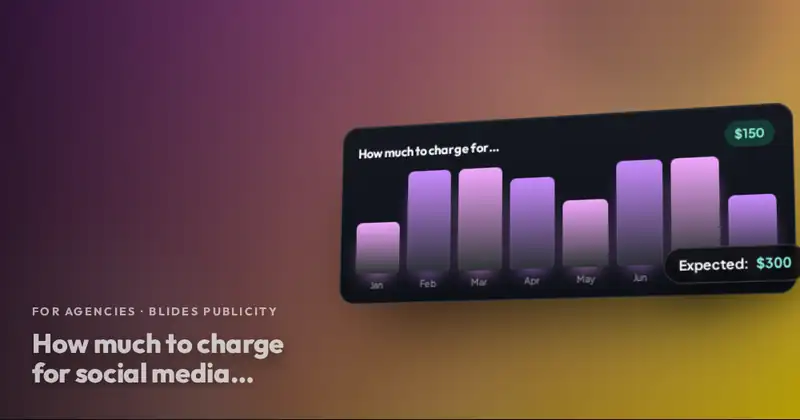
You record payments, generate the PDF invoice with your logo and your payment details (Zelle, PayPal and others), and see the statuses: paid, processing, upcoming and overdue. When an invoice is paid, the next one is created automatically. The finance section shows fixed monthly revenue, what's been collected, what's expected and what's overdue.
Branding Board and Ads Board
Each company's brand guide (logo, mission, palette, fonts, tone of voice) and the ads brief are saved and can be printed or saved as PDF. It's each client's permanent brief.
They come in automatically from Facebook and Instagram lead forms and from your website form, with no duplicates.
The social media module and approvals
With the optional social media module, you plan, schedule and analyze Instagram and Facebook posts by company. Your client approves or comments from a public link, without logging into the CRM. We explain it in depth in content approval with a link. TikTok and YouTube have been announced as coming soon.
Partner agencies inside the CRM
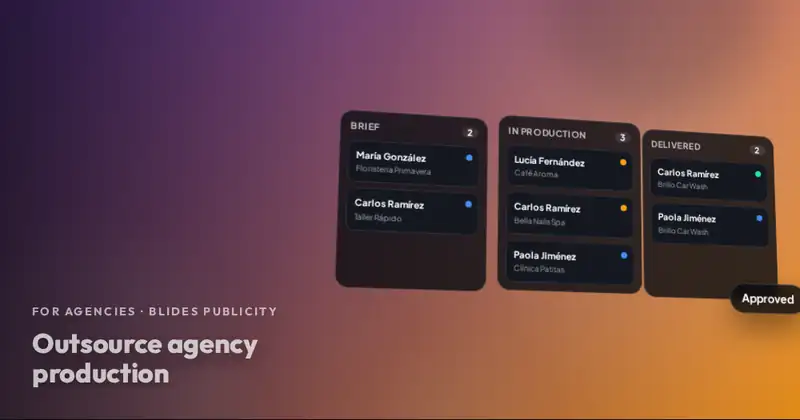
The CRM has a feature designed for working with other agencies: each client can belong to a partner agency, with its own client list and its count on the main dashboard. If you produce with us, that lets you see your accounts organized as a partner agency.
| Your agency's need | Where it's handled |
|---|---|
| Not losing leads | Leads by stage and follow-up board |
| Knowing who pays for what | Clients, companies and renewals |
| Getting paid on time | PDF invoices and payment statuses |
| Remembering dates | Calendar and repeating reminders |
| Organizing content | Social media module with approval link |
| Managing your team | Roles with per-action permissions |
Reminders that don't get lost
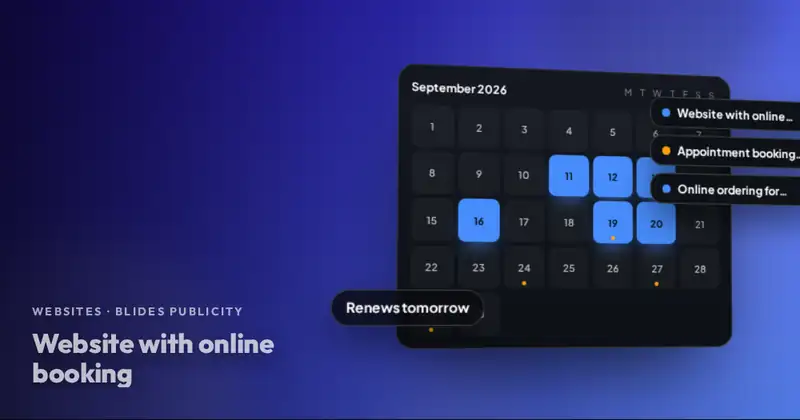
An agency runs on dates: renewals, closing calls, presentation meetings, approval deadlines. The CRM calendar has month, week, day and list views, team invitations and the option to drag an appointment to reschedule it. Reminders can repeat, for example three times every ten minutes, and there's a notification bell plus alerts to Telegram groups by category.
Every important call or message is saved as a note in the client's profile, with photos or screenshots, who wrote it and when. That way, if someone on your team picks up an account, they know exactly where things stand.
Your team, with just the right permissions
If you have salespeople or assistants, roles and permissions let you decide what each person sees and can do in each module. A salesperson can see leads without seeing the finances. You can also record commissions for salespeople and account managers, as a percentage or a fixed amount. And under expenses you track the tools and platforms your agency pays for, daily ad spend and installment payments, so a monthly chart shows how much comes in and how much goes out.
Do you have an agency or work on your own? We are your production team.
You sell and bill under your brand; we handle social media, ads, websites, AI and support at agency pricing. Your client never knows we are behind it.
Request a demo
CRM Blides is offered with a demo and a quote via WhatsApp. If you're a partner agency, also ask us how you can use it to keep your clients organized while we produce behind your brand.
Frequently asked questions
Is the CRM installed on my own hosting?
Yes. It's installed on your agency's hosting (PHP 8 and MySQL or MariaDB), the data is yours and it can be exported.
How much does CRM Blides cost?
It's quoted based on your situation. Message us on WhatsApp to request a demo and a quote.
Can my clients log into the CRM?
They don't need to. To approve content they use a public link, with no username or password.